Most freelancers can name three tasks that drain their week — invoicing follow-ups, client onboarding emails, status reports — and have done absolutely nothing to remove them. The freelancers at the top of the 2026 income curve aren’t smarter or more talented; they’ve simply systematized 70–90% of their operational work and freed their best hours for client deliverables, sales, and rest. This article is a composite case study based on the patterns we see across the most automated freelance practices: what they built, in what order, with which tools, and what it produced in the first 90 days.
Once your operations are automated, the next move is often agency-level scaling. See our 2026 transition guide from freelancer to AI agency for when you’re ready and how to make the move.
The framing matters: this is not one person’s exact story. It’s a synthesis of the recurring blueprint behind the freelancers who run lean, repeatable, high-margin practices. Every number, tool, and timeline below maps to patterns we’ve observed and can be replicated. If you’re at the start of building your own automation system, this is the path of least resistance.
The starting point: a typical pre-automation week
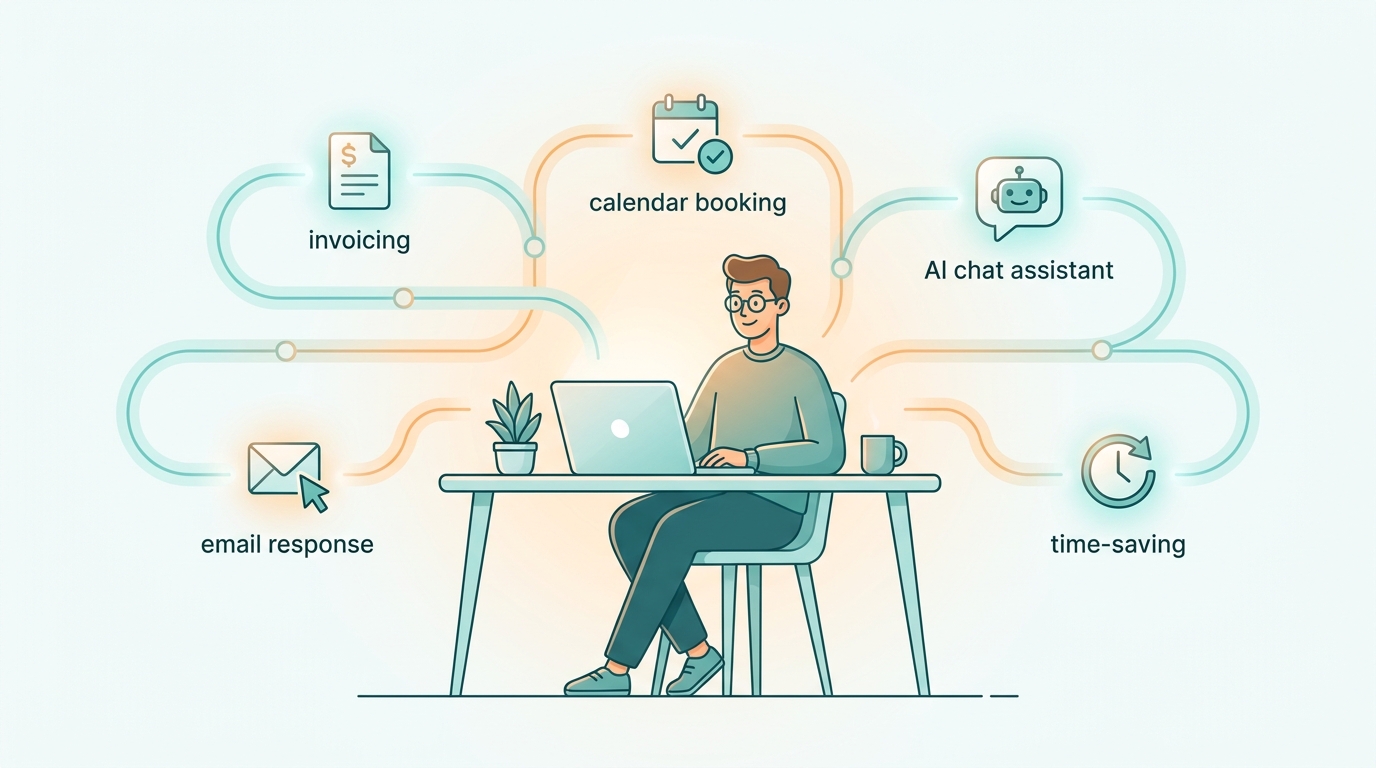
Before any system was built, the typical week of a 5-client freelancer looked like this:
- ~6 hours chasing late invoices and answering “where is my deliverable?” emails
- ~4 hours onboarding new clients (welcome emails, contract sending, intake forms, kickoff scheduling)
- ~5 hours drafting status updates, weekly reports, and project recaps
- ~4 hours creating proposals from scratch for each prospect
- ~3 hours manually publishing and repurposing content across social channels
That’s 22 hours per week of pure operational work — over half a full-time job — done by the person who should be writing, designing, coding, or consulting at premium rates. For a freelancer billing $75/hour, those 22 hours represent $1,650 in weekly opportunity cost. The goal of the system was simple: get those hours back without compromising client experience.
The 4 automations that delivered the most time savings
The freelancers who reach 80% automation almost always build the same four core systems first. One: automated client onboarding triggered by a signed contract — welcome sequence, intake form, kickoff calendar booking, and shared workspace creation, all without human touch. Two: invoice generation and follow-up — automated invoice send on milestone completion, polite reminders at days 7/14/21, and automated thank-you on payment. Three: status report generation — AI-summarised weekly recaps pulled from project management tools and emailed to each client every Friday. Four: proposal drafting — a templated AI-assisted system that takes intake answers and produces a tailored proposal in under 10 minutes instead of 90. Together these four reclaim 14–18 hours per week from a typical 5-client load and run quietly in the background once configured. Every other automation is a refinement on top of these foundations.
The principle behind picking these four: each one solves a recurring task with predictable variation and a clear trigger — the exact conditions where automation pays off fastest. For the full breakdown of how to identify and implement these in your own practice, see our complete deep-dive on AI business automation for freelancers.
The tool stack that powered the system
One of the surprises is how lean the stack is. The freelancers running highly automated practices don’t use enterprise software — they connect a handful of well-chosen tools with no-code glue. The composite stack:
- Notion as the central client and project database
- Make.com (sometimes Zapier) as the automation engine connecting everything
- ChatGPT or Claude for AI drafting, summarising, and personalised email generation — the prompting techniques are covered in our complete guide to ChatGPT for freelancers
- Stripe or Wise for invoicing and payment, triggering downstream automations on paid status
- Calendly for booking that auto-creates calendar events and triggers prep sequences
- Gmail with templates and labels, wired into Make.com for inbound routing
Total monthly cost: roughly $60–$90 for paid tiers across the stack. The freelancers using this setup recover that cost within the first hour of saved time each month.
The implementation timeline: what got built when
One of the most common mistakes is trying to automate everything in week one and burning out before any system is live. The realistic, sustainable rollout looks like this:
- Weeks 1–2: Instrument and observe. Track every operational task and how long it takes. No tooling changes yet — just data. This list becomes the priority map.
- Weeks 3–4: Build invoicing automation. The quickest win, smallest blast radius, and most directly tied to cashflow. Once invoices send and follow up on their own, the freelancer trusts the system and is ready for more.
- Weeks 5–6: Build the onboarding sequence. Welcome email, intake form, contract send, kickoff calendar booking. Each new client now takes 15 minutes of attention instead of 4 hours.
- Weeks 7–9: Build status report generation. Connect project management tool to AI summariser, schedule weekly client emails. Removes the dreaded Friday-afternoon recap session.
- Weeks 10–12: Build proposal drafting. Productize the intake-to-proposal flow so a new prospect goes from inquiry to signed proposal in under 24 hours instead of a week.
- Week 13 onward: Refine. Listen to clients, fix edge cases, add safeguards, raise rates because the new throughput supports it.
Twelve weeks. No nights, no weekends. Each step ships value on its own.
Mistakes that didn’t survive contact with reality
Not every experiment worked. The honest case study includes what failed and why — the patterns that almost everyone tries and abandons:
- Sending fully AI-written status reports without review. Even excellent AI summaries occasionally miss nuance or include something a human would have framed differently. The working pattern: AI generates, human spends 60 seconds reviewing, then sends. The review step is non-negotiable.
- Aggressive invoice-chasing cadences. Daily reminders after day 7 damage client relationships faster than they recover cash. The 7/14/21 cadence works; 3/5/7 does not.
- Automating creative work itself. Tempting to push automation into deliverables; clients always notice. Automation stays on the operational side; deliverables stay human-led with AI assistance, not human-replaced by AI.
- Skipping the kill-switch. Every automation needs a manual override and a clear failure mode. The freelancers who skipped this had at least one moment where a runaway sequence emailed a client three times in an hour.
The financial impact: real numbers
The measurable results from a fully implemented 4-system stack, after 90 days: operational time per week drops from roughly 22 hours to 4 hours — an 82% reduction. At a $75/hour billable rate, the recovered 18 hours per week represent $1,350 per week or roughly $65,000 per year in either added billable capacity or reclaimed personal time. Setup cost: 30–40 hours of one-time configuration spread across the 12 weeks, plus $60–$90 per month in tooling. Payback period: under two weeks once the systems are live. The compounding gain is invisible but real — every new client onboarded into the automated system costs minutes of attention instead of half a day, so the practice scales without the freelancer’s weekly hours scaling with it. That decoupling — work growth from hours growth — is what makes 80% automation a business-model shift, not a productivity hack.
The freelancers who reinvest that recovered time into selling — not just into more delivery — see income growth on top of efficiency gains. For the framework on monetising that capacity, see our 2026 playbook on how to sell AI services to clients.
What changes once you’re 80% automated
The first thing freelancers notice isn’t the time saved — it’s the mental load lifted. The constant low-grade anxiety of “did I send that invoice?”, “did I forget to follow up?”, “did I update that client?” goes quiet. That alone changes the work. The visible business impacts come in three predictable waves.
- Wave 1 — Capacity reclaimed (weeks 1–6). The 14–18 hours per week land back in the calendar. The temptation is to immediately take on more clients; the smarter move is to reinvest a third of those hours into outbound and rest. Research from McKinsey on generative AI productivity consistently shows that knowledge workers who couple automation with deliberate skill investment outperform those who only chase volume.
- Wave 2 — Pricing leverage (weeks 6–16). With more time to prospect and a fast-onboarding system, you can be selective. Selectivity raises your effective rate even without changing your headline price. Combine this with structured outbound — the playbooks in our guides to LinkedIn growth hacking for freelancers and AI-powered lead generation tactics that actually work — and the income curve bends.
- Wave 3 — Compounding (months 4+). Each new client costs minutes instead of hours; testimonials accumulate; the case studies you can show prospects make conversations easier. Statista’s ongoing freelancing research shows that established freelancers earn the majority of their income from repeat clients and referrals — both of which scale when your operations no longer bottleneck.
How to replicate this in your own freelance business
To replicate this 80%-automation freelance practice in 90 days, follow this sequence. Days 1–14: track every operational task you do and how long it takes, then pick the single highest-volume one to automate first. Days 15–35: build invoicing automation end-to-end, including reminders and a paid-confirmation thank-you. Days 36–55: build the client onboarding sequence (welcome, intake, contract, kickoff booking). Days 56–75: build the weekly status report generator using AI summarisation from your project management tool. Days 76–90: productize your proposal flow with an AI-assisted intake-to-proposal pipeline. Once these four systems are live, you’ve recovered the 14–18 hours per week the case study describes and you can either take on more clients or reinvest the time into selling and rest. The mistake to avoid is building all four in parallel; sequencing is what makes the rollout sustainable. The biggest unlock isn’t technical — it’s the discipline to track time before optimising and to ship one system fully before starting the next.
To turn the recovered capacity into higher prices instead of just more hours, work through our framework on AI pricing strategy and retainer models for freelancers. Setting the stack up is half the work; charging what it’s worth is the other half.
Frequently asked questions
Can a non-technical freelancer build this stack?
Yes. Every tool in the stack — Notion, Make.com, ChatGPT, Stripe, Calendly, Gmail — is no-code by design. The freelancers running 80%-automated practices are mostly writers, designers, consultants, and coaches with no engineering background. Learning Make.com’s logic takes about a weekend; the rest is configuration.
Do clients notice or push back when interactions are automated?
Done well, the opposite — they notice that response times are faster, status reports arrive on schedule, and onboarding is smooth. Done badly (generic templated messages, mistimed reminders), they notice and disengage. The difference is using real client data, varied language, and reviewing AI output before it sends.
Which automation should I build first if I only have time for one?
Invoicing automation. It’s the smallest in scope, the easiest to verify, the most directly tied to cashflow, and it builds trust in the broader system. Every other automation gets easier once you’ve seen one work reliably for a few months.
What’s the realistic timeline to see results?
The first system (invoicing) saves 2–3 hours per week within the first month. The full stack (four systems) takes 12 weeks to ship and produces the 14–18 hour weekly saving by week 13. Cost is recovered in tooling within the first month; opportunity cost is recovered after the first system is live.
What’s the ceiling on freelance automation?
Roughly 80–90% of operational work, plus 30–40% of creative-adjacent tasks (research, first drafts, summarisation). The remaining 10–20% of ops involves edge cases, sensitive client conversations, and judgement calls where the cost of getting it wrong far exceeds the cost of doing it manually. That ceiling isn’t a limitation — it’s the part of the work that’s actually high-value, which is the work clients are paying for in the first place.
Where to start tomorrow
The case study compresses a 90-day journey into a few minutes of reading, but the actual sequence is unglamorous: track your time, automate invoicing, then onboarding, then reporting, then proposals. No genius required. Just patience and a willingness to invest a weekend in setup that pays back forever.
To zoom out and place this case study inside the broader freelance operating system, work through our complete guide to automating your freelance business in 2026 — the systemic context that makes individual automations multiplicative instead of additive.
Two natural extensions of these systems: automating your client reporting — the fourth big time sink — and, if you serve online stores, our complete guide to AI for ecommerce freelancers.